Two meanings of “crypto card”
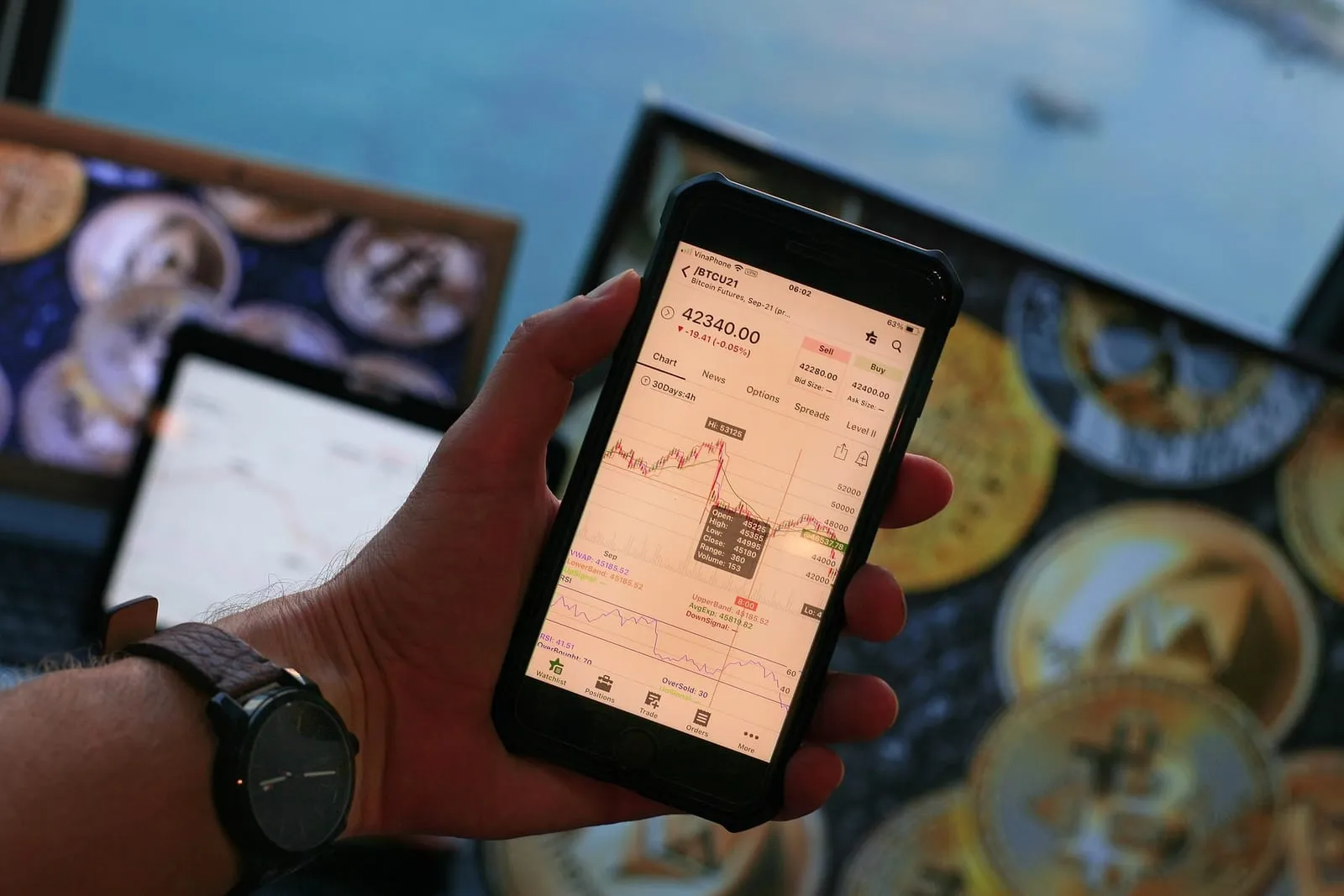
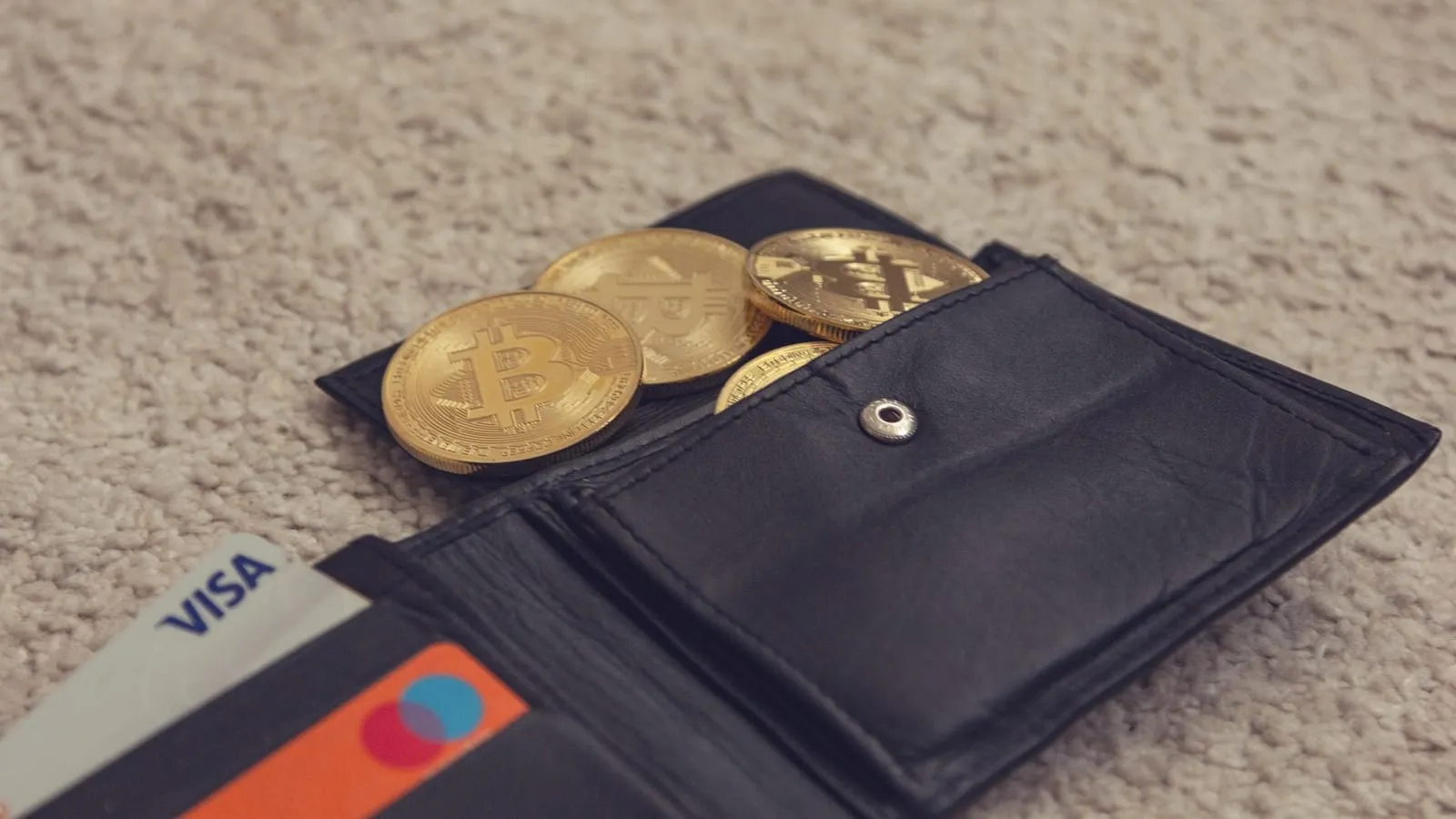
Search for a crypto card in New Zealand and you’ll find two quite different products tangled together. One is a crypto debit or prepaid card — a Visa or Mastercard linked to a crypto account, which sells your coins when you tap to pay at the dairy. The other is simply buying crypto with the card already in your wallet, debit or credit. Most overseas “best crypto card” lists are about the first; most Kiwis searching are trying to do the second. We cover both, starting with what you can actually get.
Crypto debit and prepaid cards NZ residents can get
The short version: very few, and nothing issued in New Zealand that we could confirm. Card programmes need a local issuing partner, and crypto card issuers have focused on Europe, the US, the UK and Australia. Here’s what we found for the two names that come up most.
| Card | Currency | NZ availability | Notable fees |
|---|---|---|---|
| Crypto.com prepaid Visa | AUD (Australia-issued) | Help centre covers NZ residents holding AU-issued cards; new sign-ups unconfirmed | Top-up 1% debit, 2% credit or Apple Pay |
| CEX.IO card | EUR | Likely EEA-only; not confirmed for NZ | FX free in EUR, 1% otherwise |
| Others (Wirex, Binance and similar) | Varies | Not confirmed for NZ residents | Check in-app |
Crypto.com is the closest thing to a yes. Its help article on topping up the prepaid Visa card is titled for Australia “including New Zealand residents holding Australia-issued cards”. That tells you NZ residents have been served through the Australian programme. The same article says topping up from a Cash Account isn’t available to those NZ cardholders; debit-card top-ups cost 1% and credit-card or Apple Pay top-ups 2%. Because the card is Australian-issued, spending in NZ dollars may also attract a currency conversion. We couldn’t confirm whether a new New Zealand applicant can order the card today — check the Card tab in the Crypto.com app.
The CEX.IO card appears on CEX.IO’s fee page with a free virtual card, no monthly fee, and an FX markup that is free in euros and 1% otherwise. It’s euro-denominated and its limits are set in euros (€3,000 a day), which points to the European Economic Area. We found nothing saying it is offered to New Zealanders, so don’t sign up expecting one. The CEX.IO platform itself does serve NZ for buying crypto by card — more on that below and in our CEX.IO review.

Spending crypto with a card: the tax catch
A crypto card feels like spending money. For IRD it’s selling an asset. Crypto-assets are property for tax purposes, and using them to pay for goods is a disposal, just like selling them for NZD. If you acquired the coins for the purpose of disposal — which IRD considers the usual case — the gain between your cost and their NZD value at the moment you tap is generally taxable income.
So a year of flat whites on a crypto card can produce hundreds of small taxable disposals, each needing a date and an NZD value. The card provider’s export helps, but it’s your job to reconcile it, and IRD expects records to be kept for at least seven years. GST isn’t the issue — buying and selling crypto is excluded from GST — but income tax is. If you want to spend crypto, it’s often simpler to sell a lump to NZD occasionally and spend that. Our crypto tax guide walks through the maths. If you run a business and want to take crypto from customers, see accepting crypto payments instead.
Buying crypto with your NZ debit or credit card
This is the common case, and it works. Several platforms accept NZ-issued Visa and Mastercard, and most also take Apple Pay or Google Pay. It’s the fastest route — coins in minutes — but almost never the cheapest. The table shows what the main platforms publish.
| Route | Card fee | Limits | NZD handling |
|---|---|---|---|
| Swyftx via Stripe | 2.734% | NZ$30 – 15,000 per tx and per 7 days | Charged in NZD |
| Swyftx via Banxa | 1.99% + up to 4% spread | NZ$30 – 24,300 per tx; 60,000/month | Charged in NZD |
| CEX.IO card / Apple Pay / Google Pay | 0.49–4.99% + service charge | New users $1k/day, $3k/month; 3 card tx/day | Converted to USD/EUR/GBP by your card issuer |
| Binance card | Not stated on help page | Up to 5 saved cards | NZD supported |
| Swyftx bank transfer (for comparison) | Free | NZ$100k/day | NZD |
A few details matter. Swyftx’s fees page says card deposits “may incur a fee up to 2.4%”, while its NZD deposit help article gives 2.734% for Stripe — the help article is more specific, so we use it, but check the figure on screen. CEX.IO’s 0.49–4.99% range depends on the card provider and country, plus a service charge; on its limits page Apple Pay and Google Pay deposits run from $20 to $1,000. New CEX.IO customers (under three months since ID verification) are capped at $1,000 a day and $3,000 a month, with at most three successful card deposits a day.
Here’s a worked example for NZ$1,000 on Swyftx, before spread: by Stripe, NZ$27.34 goes on the card fee, and the 0.6% trading fee takes about NZ$5.84 of the rest — around NZ$33 in total. By bank transfer, you pay only the NZ$6 trading fee. On CEX.IO the card fee could be anywhere from NZ$4.90 to NZ$49.90 plus the service charge, then your bank adds its own conversion margin because the charge is in US dollars or euros. Our buying guide compares card and bank routes in full.
Credit cards and the cash-advance trap
Paying with a credit card adds a risk debit cards don’t have. Card issuers can classify crypto purchases as a cash advance rather than a purchase. If yours does, you may pay a cash-advance fee, interest from the day of the transaction with no interest-free period, and you won’t earn rewards points. Each bank decides this differently and it isn’t always obvious until the statement arrives. Read your card’s terms or call the bank before a big purchase, and look for “cash advance” on the first statement after a small test buy.
There’s also a simple money point: buying a volatile asset on borrowed money at credit-card interest rates is a bet most people shouldn’t take. If you can’t pay it off when the statement arrives, don’t buy it on the card.

Foreign currency fees, Apple Pay and Google Pay
If the platform charges in NZD, as Swyftx and Binance do, your bank’s foreign-currency fee shouldn’t apply. If it charges in US dollars or euros, as CEX.IO does for NZ cards, your card issuer converts and typically adds an overseas transaction fee set in its fee schedule. Some banks also treat a payment to an overseas merchant as foreign even when it’s billed in NZD; check your statement.
Apple Pay and Google Pay don’t change the fee picture — they’re a wrapper around the same debit or credit card. What they add is speed and a little security, because the merchant never sees your actual card number. CEX.IO and Swyftx both list them; some prepaid and gift cards will be declined. We couldn’t confirm any platform that accepts Prezzy cards for crypto purchases.
Why card payments for crypto get declined
A declined card is the most common complaint from first-time buyers, and it rarely means the platform has blocked you. More often your bank’s fraud system has paused an unusual payment to an overseas crypto business. We found no New Zealand bank that publicly blocks or caps card payments to crypto exchanges — the well-known caps are Australian — but NZ banks have committed to spotting high-risk payments and can hold one while they check with you.
The fixes are boring. Approve the 3-D Secure prompt in your banking app quickly, because it times out. Make sure the name on your card matches your verified name on the platform; most will reject third-party cards. Try a smaller amount first, since a large first payment to a new merchant is a classic fraud pattern. Remember the platform’s own caps, such as CEX.IO’s three successful card deposits a day for new customers. And if the bank calls, tell it plainly what you’re buying. Our banks guide covers how each NZ bank tends to handle crypto payments.
Chargebacks, scams and card-funded crypto
Card chargebacks protect you when a merchant fails to deliver. A crypto platform that delivers the coins has done exactly what you paid for, so a chargeback claim usually fails — even if you then sent the coins on to someone who turned out to be a scammer. The Banking Ombudsman has declined at least one complaint involving an NZ$80,000 crypto scam paid through an exchange. That’s why scammers coach victims to “buy crypto with your card and send it to this wallet”.
The genuine uses for a card are narrow and fine: a small first purchase to learn how things work, or a quick buy when you don’t want to wait for a bank transfer to clear. For anything regular or large, top up by bank transfer. If you mainly use your phone, our crypto apps guide shows which apps make that easiest.
Frequently asked questions
Is there a crypto debit card available in New Zealand?
Options are limited. Crypto.com’s help centre covers New Zealand residents holding its Australia-issued prepaid Visa card, but we couldn’t confirm current eligibility for new NZ applicants. The CEX.IO card is euro-denominated and appears to be for the European Economic Area. Check inside each app before planning around a card.
Does the Crypto.com card work in NZ?
Crypto.com’s own help article on topping up its Australian prepaid Visa card includes “New Zealand residents holding Australia-issued cards”, and says the Cash Account top-up method is not available to them. Whether new NZ residents can order the card today is something to confirm in the Crypto.com app.
Is spending crypto taxable in NZ?
It can be. Paying for something with crypto is a disposal, just like selling it, so if you acquired the crypto for the purpose of disposal, any gain over what you paid is generally taxable. A crypto card that converts coins to pay a merchant creates a disposal on every purchase.
Can I buy crypto with a credit card in NZ?
Yes. Swyftx, CEX.IO, Binance and Crypto.com accept NZ cards, including through Apple Pay or Google Pay on some platforms. Expect card fees of roughly 2–5% plus any spread, and check whether your card issuer treats the purchase as a cash advance, which can add a fee and immediate interest.
What is the cheapest way to buy crypto with a card in NZ?
Compare the total, not the headline. Swyftx’s Banxa route charges 1.99% plus up to 4% spread; its Stripe route charges 2.734%. CEX.IO charges 0.49–4.99% plus a service charge depending on card. A debit card avoids credit-card cash-advance risk. A free NZD bank transfer is cheaper than any card.
Can I get a chargeback on a crypto card purchase?
Rarely. Once the platform has delivered the coins, the card transaction did what it said, so a chargeback usually fails — even if you then sent the crypto to a scammer. That is why scammers like card-funded crypto. Talk to your bank immediately if you think you’ve been scammed.
Sources & verification
Every source below was opened and checked on 15 October 2026. Where a figure comes from an aggregator, map or community source rather than the operator or a regulator, we say so in the text.
- CEX.IO — limits and commissions (card fees, limits, card tariffs) — content updated May 2026
- CEX.IO — New Zealand page
- Swyftx Support — Deposit New Zealand dollars (Stripe, Banxa)
- Swyftx NZ — fees and pricing
- Crypto.com Help — topping up the prepaid Visa card (Australia, incl. NZ residents holding AU-issued cards) — updated 9 Dec 2025
- Binance — buy crypto with NZD via debit/credit card
- IRD — Buying and selling cryptoassets
- IRD — Cryptoassets and GST
- Rainey Collins — Banking Ombudsman declines $80k crypto scam complaint
- NZBA — new banking scam protections (Nov 2025)